
If you’re a fan of Forza Motorsport, you know how frustrating it can be to lose progress due to the “Applying Upgrade” glitch.
This bug can cause the game to get stuck in the “Applying Upgrade” screen, forcing you to lose your progress and start over from the beginning of the race event.
Fortunately, there are some workarounds that you can try to fix this issue.
How To Fix Forza Motorsport Not Saving Progress Stuck At “Applying Upgrade”
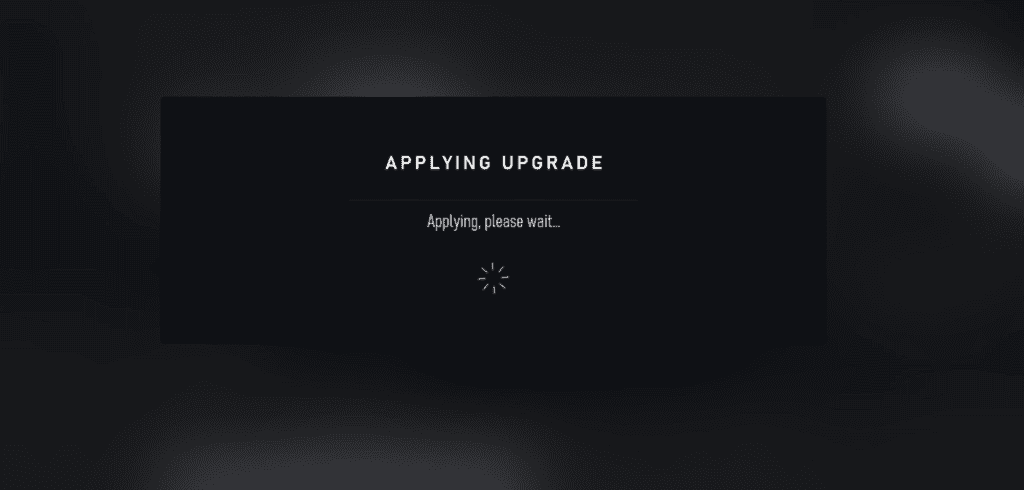
If you’re experiencing issues with Forza Motorsport not saving progress and getting stuck at the “Applying Upgrade” screen, there may be a workaround that could help.
This solution was discovered by a user who posted on the Forza forums and has been reported to work by others as well.
To quickly check if the bug is affecting your game, you can try going to photo mode during a race and attempting to save a photo. If you’re able to save the photo without any issues, your game is working fine.
However, if you get stuck at a screen with a spinning wheel and can’t save the photo, your game is in a broken state and no career progress will be saved.
To fix this issue, try starting a race without adjusting the fuel at the beginning. Skip practice or do full practice, restart races, apply upgrades, and do everything else normally, but make sure not to adjust fuel at the start of each race.
After completing a few races, check photo mode again to see if you can save a photo. If you’re able to save the photo without any issues, your progress should be saved.
It’s important to note that this solution hasn’t been extensively tested, so your mileage may vary.
However, it’s worth a try if you’re experiencing this issue and want to see if it works for you.
Remember to pause at the start of each race and try to save a photo – if you’re unable to save it, with an endless spinning wheel, then the issue is still present and progress won’t be saved.
Other Troubleshooting Steps
1. Update Your Game
First and foremost, make sure your game is updated to the latest version. Sometimes, bugs and performance issues can be fixed by simply updating the game.
To update Forza Motorsport, go to the Microsoft Store or Xbox Store and check for updates. If there’s an update available, download and install it.
2. Reinstall The Game
If updating the game doesn’t fix the issue, try reinstalling it. This may sound like a hassle, but it’s often the most effective way to fix persistent bugs and glitches.
Uninstall the game from your device, then reinstall it from the Microsoft Store or Xbox Store.